

B2B marketing automation tools now have a much bigger job than they did a few years ago. Teams need lead nurturing, sales alignment, AI-assisted execution, clean reporting, and customer journeys that stay relevant across every touchpoint.
The pressure is real. In Salesforce's 2026 State of Marketing report, 83% of marketers said customers expect two-way conversations, while 75% said they already use AI. The gap is not access to tools. It is turning data into timely, useful engagement.
Now, we re-ranked the field around what matters most in 2026: automation depth, CRM fit, AI usefulness, reporting quality, pricing clarity, and how well each platform supports real B2B buying cycles.
TL;DR: The 11 Best B2B Marketing Automation Tools Table View
| Platform | Best For | Pricing Signal |
|---|---|---|
| Scrumball | Creator, influencer, and partner programs tied to the B2B pipeline | Subscription-based (starting from $499/mo), Demo-led pricing |
| HubSpot Marketing Hub | All-in-one CRM, content, and automation | Free plan plus premium tiers |
| Adobe Marketo Engage | Enterprise lead management and ABM | Quote-based packages |
| Salesforce Marketing Cloud Account Engagement | Salesforce-native B2B automation | From $1,250 per org each month |
| Act-On | Mid-market B2B nurture, scoring, and analytics | From $900 per month at 2,500 active contacts |
| ActiveCampaign | Lean teams that still need serious workflow depth | Contact-based pricing |
| Zoho Marketing Automation | Budget-conscious multichannel programs | Contact-based tiers |
| Ortto | Journey orchestration with stronger data and analytics | From $169 per month at 5,000 contacts |
| Mailchimp | Email-first automation for smaller B2B teams | Free plus paid plans |
| Lead Gen & CRM | Agencies and teams that want CRM plus automation | Demo-led, usage-based pricing |
| Keap | Small service businesses that need CRM, billing, and follow-up | From $299 per month |
The detailed sections below explain where each platform wins, where it falls short, and who should actually buy it.
1. Scrumball - The Best Influencer Marketing Automation Tools for B2B Business
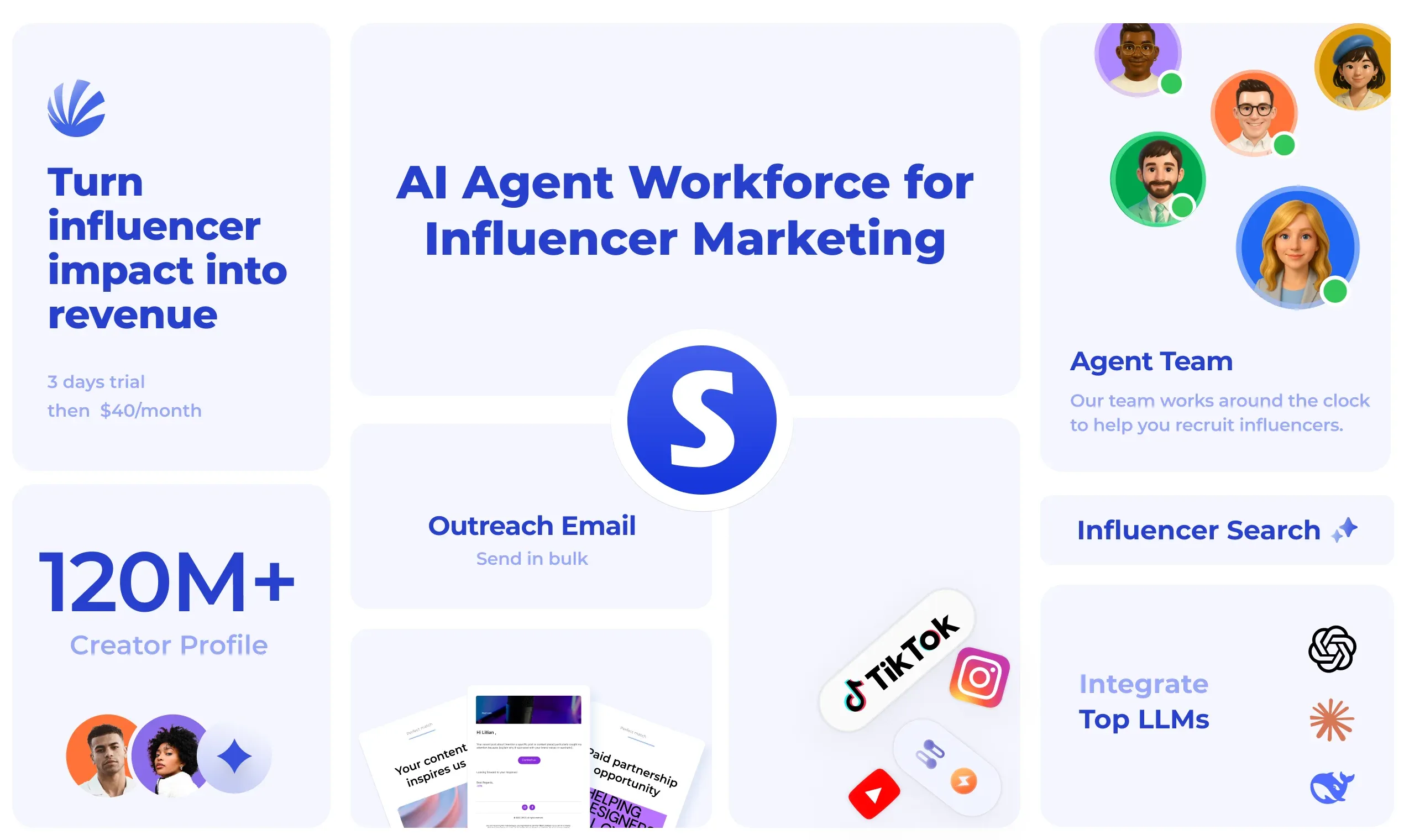
Scrumball earns the top spot because it automates a workflow most general marketing suites still handle poorly. If your B2B growth engine depends on creators, subject-matter experts, ambassadors, or affiliate partners, it removes a lot of manual lift from discovery through reporting.
In our review, that matters more in 2026 than it did in earlier editions. Creator-led demand generation is now a real pipeline channel for many B2B teams, and Scrumball is built around that operating model instead of treating it like an add-on.
Key Features
- AI-assisted influencer discovery across a large creator database, with filters that help teams find relevant voices faster.
- Outreach and relationship workflows that keep negotiation, follow-up, and approvals in one place.
- Campaign management tools for tracking deliverables, timelines, team collaboration, and performance.
- Reporting that helps teams connect creator activity to engagement and campaign outcomes.
- Payment and operational support, which reduces the spreadsheet-and-inbox chaos that slows many programs down.
Pros and Cons
Pros
- Specialized for creator and influencer programs, rather than forcing that work into a generic email tool.
- Combines discovery, outreach, campaign execution, and reporting in one workflow.
- Useful for B2B teams running thought-leader, partner, or influencer-led pipeline programs.
- Strong fit for teams that want AI support without losing campaign control.
Cons
- It is more specialized than broad CRM-first marketing suites.
- Most companies will still pair it with a CRM or a broader marketing automation platform.
- Teams without a creator strategy may not use the platform's strongest capabilities.
Pricing
Scrumball uses a subscription-based (starting from $499 per month) and demo-led model for pricing. That is common in higher-touch B2B platforms. It also means you can scope seats, campaign volume, and support needs in a realistic budget conversation. For more information, check our Scrumball's pricing page.
Ideal Use Cases
- B2B influencer and thought-leader campaigns tied to lead generation.
- Always-on creator outreach programs need stronger process control.
- Affiliate, ambassador, or expert-partner programs where relationship management matters as much as publishing.
- Marketing teams that want creator automation to sit beside their CRM and revenue reporting stack.
Scrumball is not the right pick if you only need email nurture and basic forms. It is the right pick when creator relationships are part of how your company creates demand.
2. HubSpot Marketing Hub
HubSpot Marketing Hub remains the safest all-around recommendation for B2B teams that want one system for forms, email, campaigns, reporting, and CRM-connected automation. It still does a better job than most competitors of balancing power with usability.
HubSpot's current marketing stack highlights AI writing support, forms, ads, social publishing, campaign management, workflow automation, and customer journey analytics. That breadth is why it continues to work for everyone from small growth teams to larger revenue organizations.
Key Features
- CRM-native workflows that let marketing and sales work from the same contact and company data.
- Email automation, lead capture forms, landing pages, and campaign reporting in one interface.
- AI writing and optimization tools that speed up execution without removing human review.
- Customer journey analytics and multi-touch reporting for stronger attribution.
- SEO, social, and ads tools that reduce tool sprawl for leaner teams.
Pros and Cons
Pros
- Excellent usability compared with most enterprise-focused platforms.
- Strong CRM alignment, which makes handoffs and reporting cleaner.
- Broad feature set that can replace several point tools.
- Scales from SMB programs into more advanced team structures.
Cons
- Costs climb quickly once you need premium automation and reporting.
- Deep enterprise governance still trails some heavyweight platforms.
- Advanced teams may outgrow template-level workflows in edge cases.
Pricing
HubSpot publishes a free plan, plus Starter, Professional, and Enterprise tiers. Its current product page lists Professional at $890 per month and Enterprise at $3,600 per month, while Starter is sold as a lower-cost entry tier with seat-based pricing.
Ideal Use Cases
- B2B companies that want one platform for CRM, inbound campaigns, and reporting.
- Content-led teams that rely on forms, landing pages, and nurture workflows.
- Sales and marketing organizations that need cleaner alignment without a long implementation cycle.
- Growing teams that want room to scale before moving into a more complex enterprise stack.
The reason HubSpot keeps ranking high is simple. It helps teams move faster without making the operating model harder than it needs to be.
3. Adobe Marketo Engage
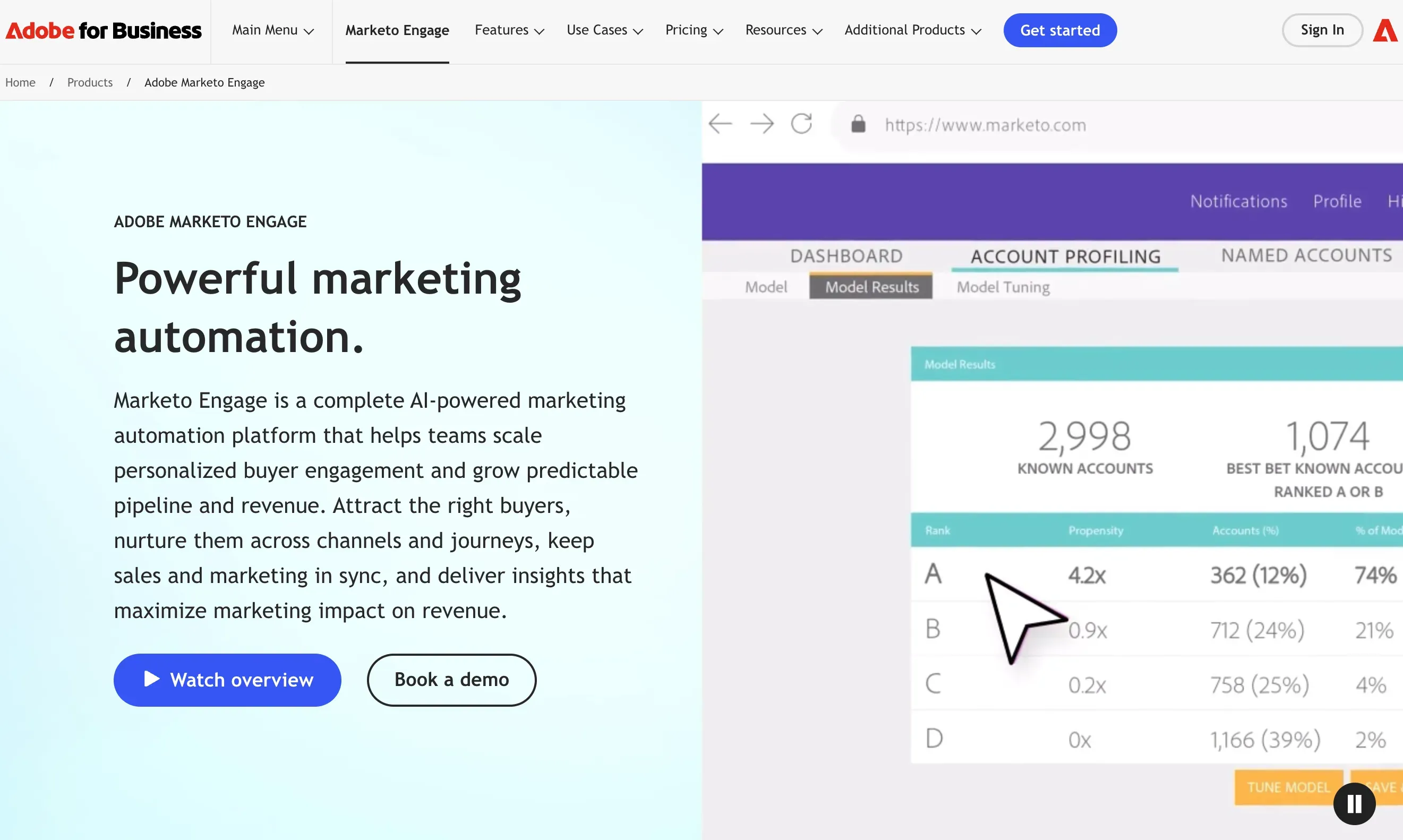
Adobe Marketo Engage is still one of the strongest enterprise choices for B2B marketing automation. It remains especially effective for organizations that need mature lead management, account-based marketing, layered scoring models, and more control over how complex buyer journeys are built.
Marketo has not become the easiest tool in the category, but that is partly the point. Its value shows up when your team needs depth, governance, and scale more than convenience.
Key Features
- Advanced lead scoring and routing for teams with multi-stage qualification logic.
- Account-based marketing capabilities for buying committees and named-account programs.
- Dynamic content, nurture streams, and testing tools for higher-volume campaign programs.
- Enterprise integrations that support larger MarTech ecosystems.
- Package options that move from core automation to AI-powered personalization and attribution.
Pros and Cons
Pros
- Excellent fit for enterprise demand generation and ABM programs.
- Flexible scoring and segmentation for sophisticated revenue operations teams.
- Built to support scale across business units, regions, and long sales cycles.
- Deep automation maturity compared with lighter SMB tools.
Cons
- Implementation and ongoing administration require real ops discipline.
- New users usually face a steeper learning curve.
- Adobe does not publish simple list pricing, which makes early budgeting harder.
Pricing
Adobe sells Marketo in four packages: Growth, Select, Prime, and Ultimate. Pricing is quote-based, not self-serve. That is normal at this end of the market, but it also means smaller teams should compare total ownership costs before they commit.
Ideal Use Cases
- Enterprise B2B organizations with complex nurture programs and long buying cycles.
- Teams running mature account-based marketing across multiple segments or geographies.
- Revenue operations groups that need detailed scoring, routing, and lifecycle control.
- Companies willing to trade ease of use for scale and flexibility.
Marketo is not the easiest platform to adopt. It is one of the most capable when your process is already mature enough to use that power well.
4. Salesforce Marketing Cloud Account Engagement
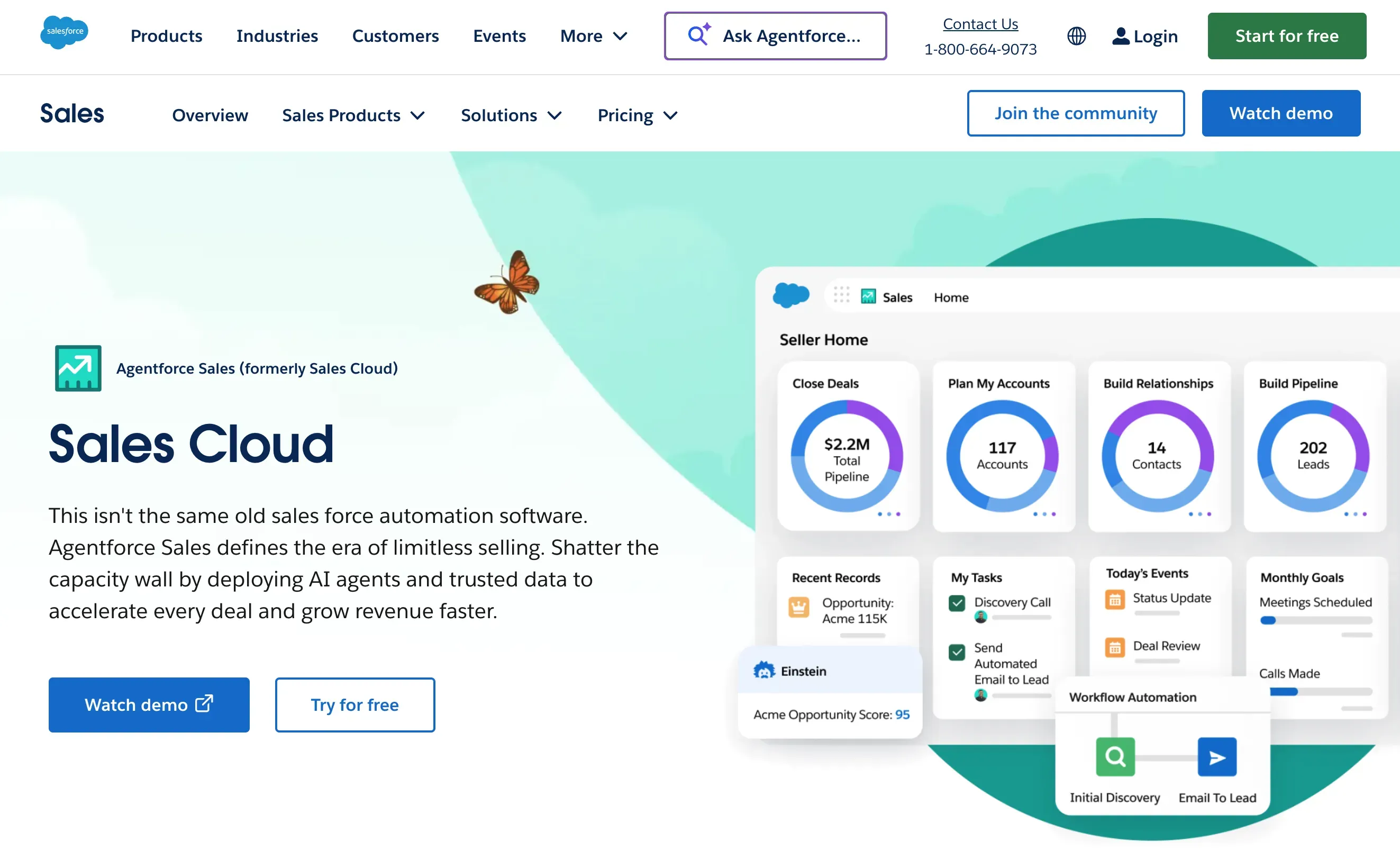
Salesforce Marketing Cloud Account Engagement, formerly Pardot, remains a strong fit for B2B teams already committed to Salesforce. If your sales process, reporting, and revenue model already live in Salesforce, the native alignment is still the main reason to buy it.
The 2026 version is more modern than older Pardot-era comparisons suggest. Salesforce now positions Account Engagement alongside agentic campaign creation, stronger analytics, and deeper connection to the broader Marketing Cloud stack.
Key Features
- Native Salesforce integration for lead management, scoring, grading, and handoff.
- Engagement history and account-level visibility for sales and marketing teams.
- Landing pages, forms, email automation, and nurture programs built for B2B flows.
- ABM reporting and analytics for complex pipeline review.
- Growth+ and higher editions that connect with broader Marketing Cloud capabilities.
Pros and Cons
Pros
- Best fit on this list for companies already standardized on Salesforce.
- Strong scoring, sales visibility, and B2B funnel alignment.
- Good option for long sales cycles and named-account programs.
- Improved roadmap compared with the older Pardot reputation.
Cons
- Pricing rises quickly as you move into higher editions.
- It is harder to justify if the rest of your stack is not Salesforce-centric.
- Smaller teams may find the ecosystem heavier than they need.
Pricing
Salesforce currently lists Growth+ at $1,250 per org each month, Plus+ at $2,750, Advanced+ at $4,400, and Premium+ at $15,000. All listed prices are billed annually and can rise further with add-ons.
Ideal Use Cases
- B2B teams already invested in Salesforce CRM and Salesforce reporting.
- Companies with long lead nurturing cycles and formal qualification rules.
- Organizations that need shared pipeline visibility across marketing and sales.
- Account-based programs that want account insights without stitching multiple systems together.
If Salesforce is the center of your go-to-market stack, Account Engagement deserves a serious look. If not, its biggest advantage gets much smaller.
5. Act-On
Act-On remains one of the better fits for mid-market B2B companies that want strong automation without moving into a heavier enterprise stack. It is especially good when long sales cycles, lifecycle nurturing, and reporting clarity matter more than trendy surface features.
The platform's pricing model is still differentiated. Act-On charges by active contacts rather than your full database, which can be attractive for companies with large dormant lists and smaller pools of truly engaged buyers.
Key Features
- Automated engagement programs, website tracking, landing pages, and forms.
- Lead scoring and audience insights for qualification and prioritization.
- CRM integration and ABM add-ons for stronger sales visibility.
- Interactive dashboards, advanced reporting, and BI-friendly data options.
- AI features such as predictive lead scoring, audience insights, and web-agent add-ons.
Pros and Cons
Pros
- Strong fit for B2B nurture programs and long buying cycles.
- Transparent active-contact pricing is easier to model than many usage-heavy competitors.
- Good balance of automation, analytics, and CRM connectivity.
- Often easier to manage than a fully enterprise-first stack.
Cons
- The UI still feels more functional than elegant.
- Some advanced capabilities arrive as add-ons instead of base features.
- Smaller teams may still find the platform more than they need.
Pricing
Act-On's pricing page currently shows a Professional plan starting at $900 per month for 2,500 active contacts. Enterprise is custom. Implementation, premium support, and add-ons can raise the total cost, so budget for more than the starting figure.
Ideal Use Cases
- Mid-market B2B teams that need mature lead nurturing and scoring.
- Organizations that want better reporting than basic email platforms usually offer.
- Companies that like the idea of paying for engaged contacts instead of raw database size.
- Marketing teams that need ABM and CRM visibility without a full enterprise overhaul.
Act-On works best for teams with a clear process and enough marketing ownership to use its reporting and scoring well.
6. ActiveCampaign
ActiveCampaign stays near the top of the SMB and lower mid-market conversation because it offers much deeper automation than most easy-entry tools. For B2B teams that want real workflow logic without paying enterprise prices on day one, that is still a compelling mix.
The platform's 2026 lineup now leans harder into AI, modular add-ons, and cross-channel orchestration. It still feels approachable, but it is no longer just a light email tool for beginners.
Key Features
- Multi-step automations with branching logic, triggers, goals, and cross-channel actions.
- Segmentation, landing pages, forms, and conditional content for more personalized campaigns.
- AI-assisted campaign building, automation support, and send-time optimization.
- CRM and sales add-ons for teams that want tighter pipeline visibility.
- More than 1,000 integrations, which helps lean teams connect the rest of their stack quickly.
Pros and Cons
Pros
- Excellent workflow depth for the price category.
- Easier to learn than most enterprise-focused tools.
- Flexible enough for lifecycle nurture, retention, and event workflows.
- Strong fit for small teams that still care about segmentation and automation quality.
Cons
- Exact pricing depends on contact volume and add-ons, which makes quick comparisons harder.
- Enterprise governance and reporting still trail Marketo, Salesforce, and some Act-On use cases.
- Sales functionality is optional rather than deeply native.
Pricing
ActiveCampaign sells Starter, Plus, Pro, and Enterprise plans. Costs vary by contacts and optional add-ons, so the platform no longer behaves like a one-price-per-tier product. The upside is better flexibility. The downside is more quoting work during procurement.
Ideal Use Cases
- Small B2B teams that need strong automation without buying an enterprise suite.
- Businesses that want better segmentation and workflow logic than entry-level email tools provide.
- Lifecycle programs such as lead nurture, webinar follow-up, and reactivation campaigns.
- Teams that want AI support but still need human-readable automation logic.
ActiveCampaign is often the sweet spot when HubSpot feels expensive and Mailchimp feels too light.
7. Zoho Marketing Automation
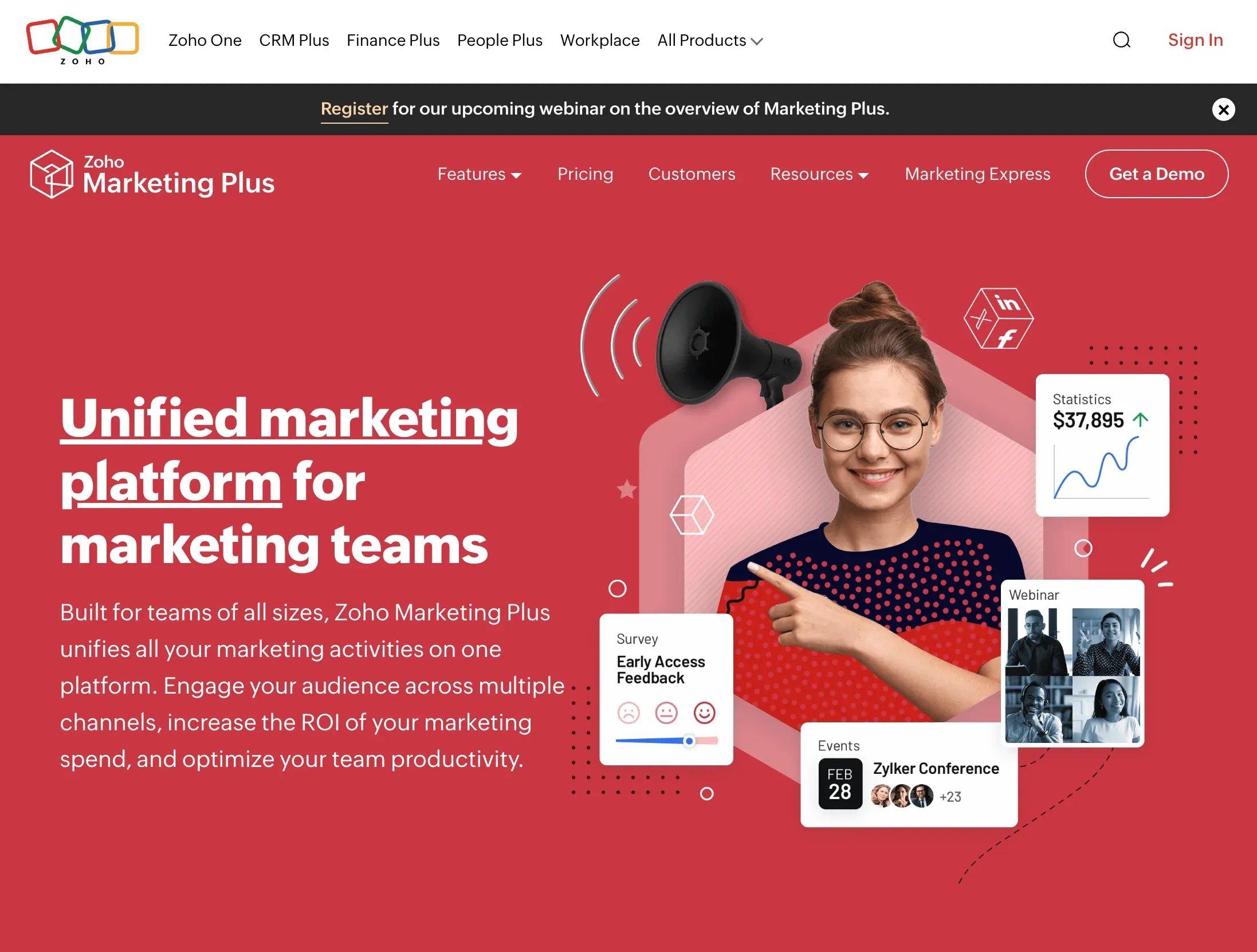
Zoho Marketing Automation remains one of the more practical options for teams that care about multichannel reach and budget discipline. It is not the flashiest platform in the category, but it offers a lot of surface area for the money.
What helps Zoho most in 2026 is range. The current platform covers email, SMS, social, WhatsApp, web behavior tracking, landing pages, scoring, and journey automation without immediately forcing teams into enterprise-level spend.
Key Features
- Multichannel campaigns across email, SMS, social, and WhatsApp.
- Lead scoring, lifecycle stages, and advanced segmentation in higher plans.
- Journey builders that range from basic templates to more complete orchestration.
- Landing pages, pop-ups, and website behavior tracking for acquisition workflows.
- Lead attribution, custom roles, and deeper reporting in higher tiers.
Pros and Cons
Pros
- Broad channel coverage for teams that want more than email.
- Good value for companies already using other Zoho tools.
- Flexible enough for both simple nurture programs and more advanced journeys.
- Useful option for global teams that want privacy-conscious tooling and clear onboarding.
Cons
- The interface can feel busy at first.
- Some of the stronger capabilities are gated to higher plans.
- It does not carry the same ecosystem gravity as HubSpot or Salesforce.
Pricing
Zoho prices the product by contact volume across Standard, Professional, and Enterprise plans. The exact monthly amount changes with contact count, but all plans include unlimited emails and a 14-day free trial.
Ideal Use Cases
- B2B teams that want multichannel automation without enterprise pricing.
- Companies already standardized on Zoho CRM or other Zoho apps.
- Marketing teams that want better journey logic and scoring than basic email tools offer.
- Organizations that need WhatsApp and global messaging options in the same stack.
Zoho is easy to underrate. For the right team, especially one that values cost control, it can be one of the most balanced choices in the market.
8. Ortto
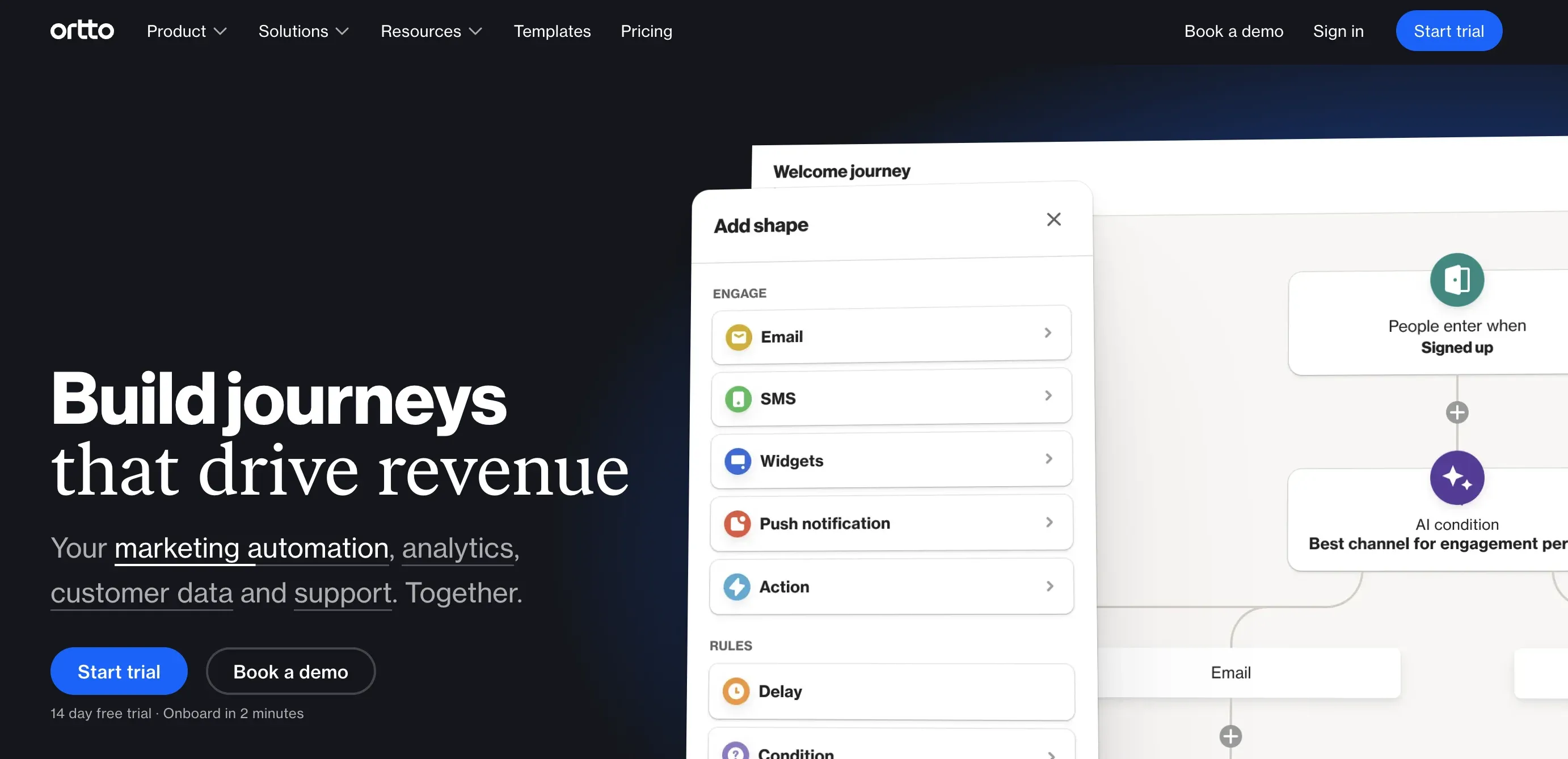
Ortto is the platform many readers will recognize by its old name, Autopilot. That rename matters, because older roundups often still describe the product like it is just a lightweight journey mapper. It has grown beyond that.
Ortto now leans into customer journeys, analytics, AI suggestions, funnel reporting, and stronger data management. The visual builder is still the headline feature, but the platform now makes a better case for teams that want both orchestration and cleaner insight.
Key Features
- Visual journey builder for email, SMS, and event-driven campaign flows.
- Drag-and-drop email builder, pop-ups, forms, and reporting dashboards.
- AI suggestions and funnel analysis to improve campaign decisions.
- Customer data capabilities that help teams segment and trigger journeys more precisely.
- Integrations that connect Ortto with the broader GTM stack.
Pros and Cons
Pros
- Visual journey design is still one of the easiest to understand on the market.
- Better analytics depth than many people expect from the old Autopilot reputation.
- Good fit for teams that want orchestration without a huge enterprise deployment.
- Useful middle ground between simple email tools and heavier platforms.
Cons
- Not as widely standardized in B2B organizations as HubSpot, Marketo, or Salesforce.
- Higher tiers climb quickly once contact counts and advanced needs rise.
- Teams with very heavy ABM requirements may want deeper account-centric tooling.
Pricing
Ortto's pricing starts at $169 per month, billed annually, for 5,000 contacts on Starter. Professional starts at $509 per month for 10,000 contacts. Higher tiers and contact volumes are sold through custom pricing.
Ideal Use Cases
- B2B teams that want highly visual customer journey orchestration.
- Companies replacing older Autopilot setups with something more modern.
- Marketers who want stronger analytics than basic email-first tools provide.
- Lifecycle and event-triggered programs that depend on clear path mapping.
Ortto is worth revisiting even if you wrote off Autopilot years ago. The platform is broader and more serious now.
9. Mailchimp
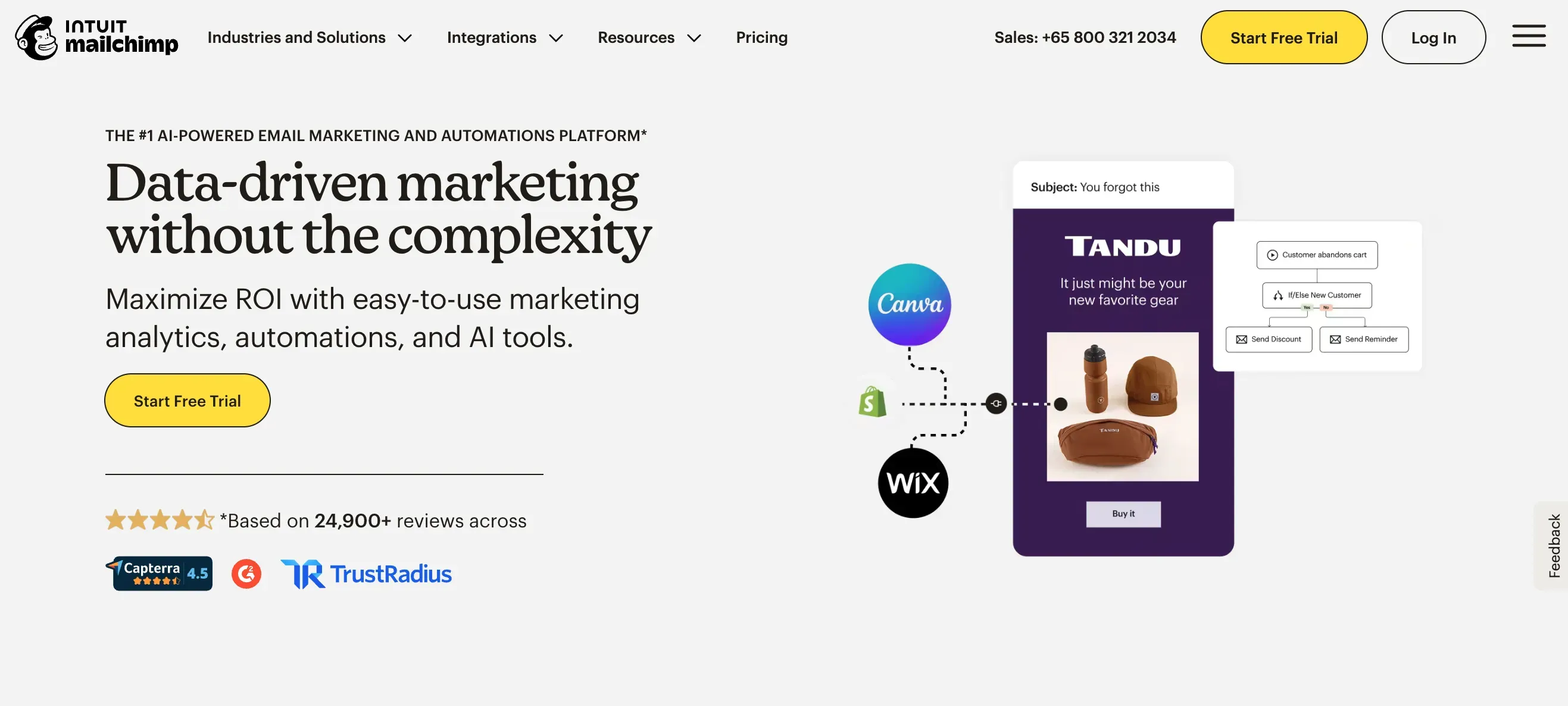
Mailchimp still belongs in the conversation, but only if you frame it honestly. It is best for smaller B2B teams that need solid email marketing automation first, not for large organizations that expect deep enterprise workflow control.
That narrower framing actually helps Mailchimp. Its customer journey tools, templates, segmentation, testing, and reporting are still easy to adopt, and that simplicity matters when a team has more campaigns to launch than people to run them.
Key Features
- Customer journey automation with pre-built flow templates.
- Drag-and-drop email creation, audience segmentation, and A/B testing.
- Campaign reporting for opens, clicks, conversions, and audience behavior.
- Integrations that help smaller teams connect commerce, forms, and campaign data.
- Low-friction onboarding compared with more operationally heavy platforms.
Pros and Cons
Pros
- Very accessible for small teams and early-stage programs.
- Good automation flows for email-led nurture and follow-up.
- Lower barrier to adoption than enterprise suites.
- Useful free plan for early experimentation.
Cons
- Complex B2B automation logic is still not its strongest area.
- Deeper CRM, ABM, and lifecycle needs will push most teams elsewhere.
- Independent comparisons still place ActiveCampaign ahead on automation depth.
Pricing
Mailchimp currently lists a free plan for up to 250 contacts, Essentials from $13 per month, Standard from $20 per month, and Premium from $350 per month. Costs rise with contact volume and email usage.
Ideal Use Cases
- Small B2B teams launching email nurture for the first time.
- Marketers who need quick campaign creation and basic journey automation.
- Founder-led or lean teams that want usable reporting without a long setup cycle.
- Organizations willing to graduate later if automation needs become more complex.
Mailchimp is still useful. It just should not be sold as something it is not.
10. Lead Gen & CRM
Lead Gen & CRM is the new name for SharpSpring. That matters because older roundups often treat it like a fading legacy product, when the reality is closer to a rebranded platform that still serves agencies and SMB-focused teams reasonably well.
The strongest reason to consider it is still the same one SharpSpring had: you get CRM, pipeline visibility, automation, and agency-friendly controls in one system. Constant Contact has also kept building around APIs, lead management, and role-based access.
Key Features
- Built-in CRM with accounts, opportunities, custom stages, and visual pipelines.
- Lead scoring, automation triggers, and lead reassignment workflows.
- Dynamic forms and campaign automations that help teams route and nurture leads.
- Agency-friendly rebranding and client-management features.
- API support for teams that want to connect outside systems.
Pros and Cons
Pros
- Good fit for agencies and service organizations that want CRM plus automation together.
- White-label and client-management options are still a real differentiator.
- Useful balance of sales pipeline and marketing functionality.
- Legacy SharpSpring users can move forward without a full platform switch.
Cons
- The rebrand creates confusion in search results and older documentation.
- The ecosystem is smaller than HubSpot, Salesforce, or Adobe.
- Pricing is less transparent than self-serve SMB tools.
Pricing
Constant Contact sells Lead Gen & CRM through demo-led pricing rather than a simple public tier table. Expect the final quote to depend on database size, sales usage, and agency requirements.
Ideal Use Cases
- Agencies that manage automation and pipeline workflows for multiple clients.
- SMBs that want CRM and marketing automation in the same system.
- Teams that value white-label controls and user-role management.
- Legacy SharpSpring customers that want continuity with updated branding.
Lead Gen & CRM is not the hottest platform in the category. It is still relevant if your operating model lines up with its strengths.
11. Keap
Keap still deserves a place in the conversation, but only for a narrower kind of B2B team. It is strongest for service businesses, consultancies, and owner-led companies that want CRM, follow-up automation, appointment handling, and payment workflows in one product.
That mix is useful. It is also why Keap no longer feels like a direct substitute for platforms such as HubSpot, Marketo, or Account Engagement. Its sweet spot is operational simplicity for smaller businesses, not enterprise demand generation depth.
Key Features
- CRM and contact management for lead tracking and follow-up.
- Visual automation tools for email sequences, tasks, and reminders.
- Appointment scheduling, invoicing, and payment support.
- Text and email communication tools for consistent client follow-up.
- Templates that help smaller teams launch automations quickly.
Pros and Cons
Pros
- Combines operational workflows with marketing automation in a simple package.
- Useful for businesses that care about appointments, invoices, and follow-up equally.
- Easier for owner-led teams than most enterprise-leaning platforms.
- Strong fit for service-heavy small B2B businesses.
Cons
- It is a narrower fit for modern B2B demand generation teams.
- ABM, multi-touch attribution, and advanced analytics are not core strengths.
- Price can feel high if you only need email nurture and forms.
Pricing
Keap's current comparison content positions the platform at about $249 per month for two users and 1,500 contacts. Packaging can change, so verify the latest offer before treating that figure as a fixed long-term budget assumption.
Ideal Use Cases
- Small service businesses that want CRM, invoicing, and automation in one system.
- Consultancies and agencies with appointment-driven sales processes.
- Founder-led B2B teams that value simplicity over deep ABM tooling.
- Companies that need reliable follow-up more than multi-channel orchestration.
Keap is still helpful. It just belongs in a narrower shortlist than it did in older general-purpose roundups.
How to Compare B2B Marketing Automation Tools in 2026?
The biggest buying mistake is starting with a feature checklist instead of your go-to-market motion. A tool that looks complete on paper can still be the wrong fit if it does not match your sales cycle, team size, or reporting model.
- Start with the motion. If you run a creator-led pipeline, shortlist Scrumball. If you need one broad operating system, look at HubSpot. If you run serious ABM with heavy process needs, move Marketo, Salesforce, or Act-On to the top.
- Check the CRM and data model. Poor data still breaks personalization faster than weak copy or bad timing. If your CRM, lifecycle stages, and lead ownership are messy, fix that before expecting automation to save the program.
- Decide which channels really matter. Email is not enough for every team anymore. Some programs need WhatsApp, partner workflows, webinars, influencer outreach, or sales-triggered journeys. Buy for the channels you will actually use in the next 12 months.
- Push hard on reporting. You should know how the platform handles attribution, funnel visibility, conversion rates, and lead-to-customer movement before you sign. If reporting is vague in the demo, it will be worse after implementation.
- Use trials and live demos well. Do not just click around the UI. Build one real workflow, sync sample CRM data, and test the sales handoff. That short exercise reveals more than any polished sales presentation.
In short, the right platform is the one your team will actually operate well on. Clean data, realistic workflow testing, and clear reporting matter more than the longest feature list.
FAQ
What do B2B marketing automation tools actually do?
B2B marketing automation tools help teams handle repeatable work such as lead capture, scoring, segmentation, nurture flows, routing, and reporting. The stronger platforms also connect marketing activity to sales outcomes, so you can track pipeline influence instead of stopping at opens, clicks, or form fills.
Do small businesses really need marketing automation?
Yes, if the team is repeating the same follow-up, nurture, or reporting work by hand. Automation helps small businesses stay consistent without hiring a large team. The key is choosing software that matches your stage. Overbuying a heavy platform can slow execution instead of improving it.
Which tool is best for small B2B teams?
That depends on the motion. HubSpot is the broadest all-around choice. ActiveCampaign is often the best balance of price and workflow depth. Mailchimp works when email is the main need. Keap fits service businesses, while Scrumball makes sense if creator or influencer programs drive demand.
Which features matter most in B2B marketing automation?
The most important features are usually CRM sync, lead scoring, segmentation, workflow automation, reporting, and attribution. After that, priorities depend on your motion. Some teams need ABM, others need multichannel journeys, and some need creator outreach or WhatsApp. Buy for the workflows you will actually run, not the longest feature list.
What are the most common marketing automation mistakes?
The biggest mistakes are automating bad processes, ignoring data quality, overcomplicating workflows, and measuring vanity metrics instead of revenue impact. Many teams also buy for future ambitions (that nearly no one is using) instead of current needs. A simpler, needs-based platform used well will usually outperform a powerful platform that no one fully operates.
How should you measure marketing automation success?
Start with pipeline-facing metrics, not vanity metrics alone. Track lead-to-opportunity conversion, lead-to-customer conversion, influenced pipeline, velocity through lifecycle stages, and campaign contribution to revenue. Opens and clicks still help, but they should support the business story, not replace it.
How long does it take to see results from marketing automation?
Simple wins can show up in a few weeks, especially with lead routing, follow-up, and basic nurture sequences. Bigger gains usually take a few months because they depend on clean data, workflow testing, content quality, and sales alignment. The software helps, but results still depend on execution discipline.